
Buy Rob Run Cosmetic preview / Unlock All utility
Rob Run Unlock All and cosmetic preview—local camo and decal browser without Steam purchases. Standalone utility or bundled inside Elite tier modules.
Cosmetic preview lets you preview vehicle cosmetics, decals and premium cosmetics in Rob Run on your own screen without buying them on the Steam market. It is a cosmetic utility: changes are local to your client. This page helps you decide between the standalone product and Elite.

Unlock All vs Elite
| Option | Best for | Includes |
|---|---|---|
| Unlock All | Cosmetics only | Standalone Cosmetic preview |
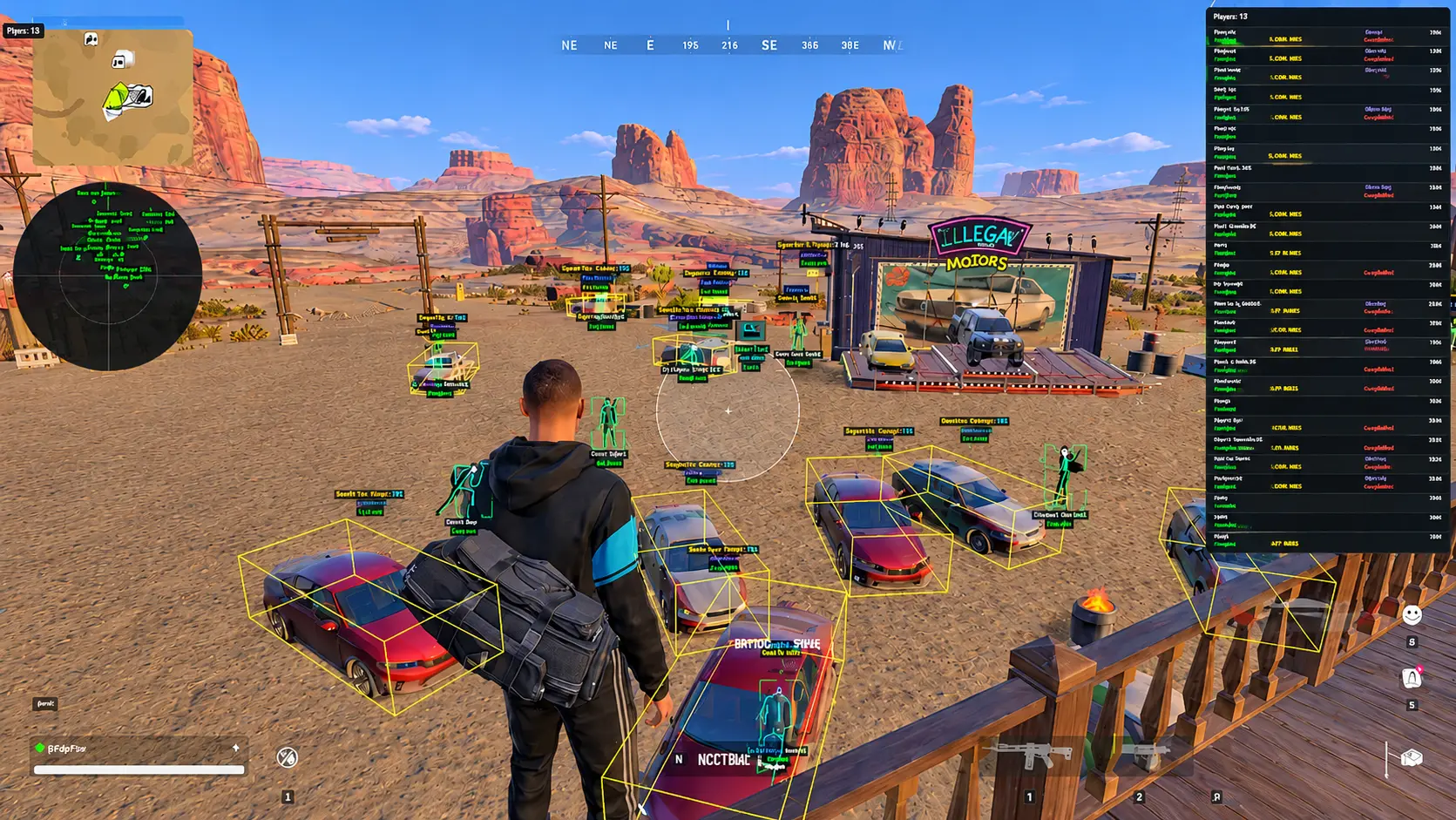
| Elite | Combat plus cosmetics | Cosmetic preview, aimbot, ESP, farm helpers, priority patches |
What you can do
- Browse and search skins by weapon or item.
- Preview vehicle cosmetics, decals and gear locally.
- Save favorites to a loadout and swap quickly.
- Reset to your default appearance at any time.
Limits to know before you buy
Cosmetic preview does not edit your Steam inventory, transfer skins or let other players see the cosmetics. It is visual only, and it shows in recordings, so streamers should read the stream-proof guide.
Which one to buy
Buy Unlock All if visuals are all you want. Buy Elite if you also want combat modules; see the Elite tier guide and the features guide.
Want the full suite instead? See Elite combat plus cosmetics and buy Elite after skins review. Cosmetic preview is third-party software and carries ban risk; check the status banner first.